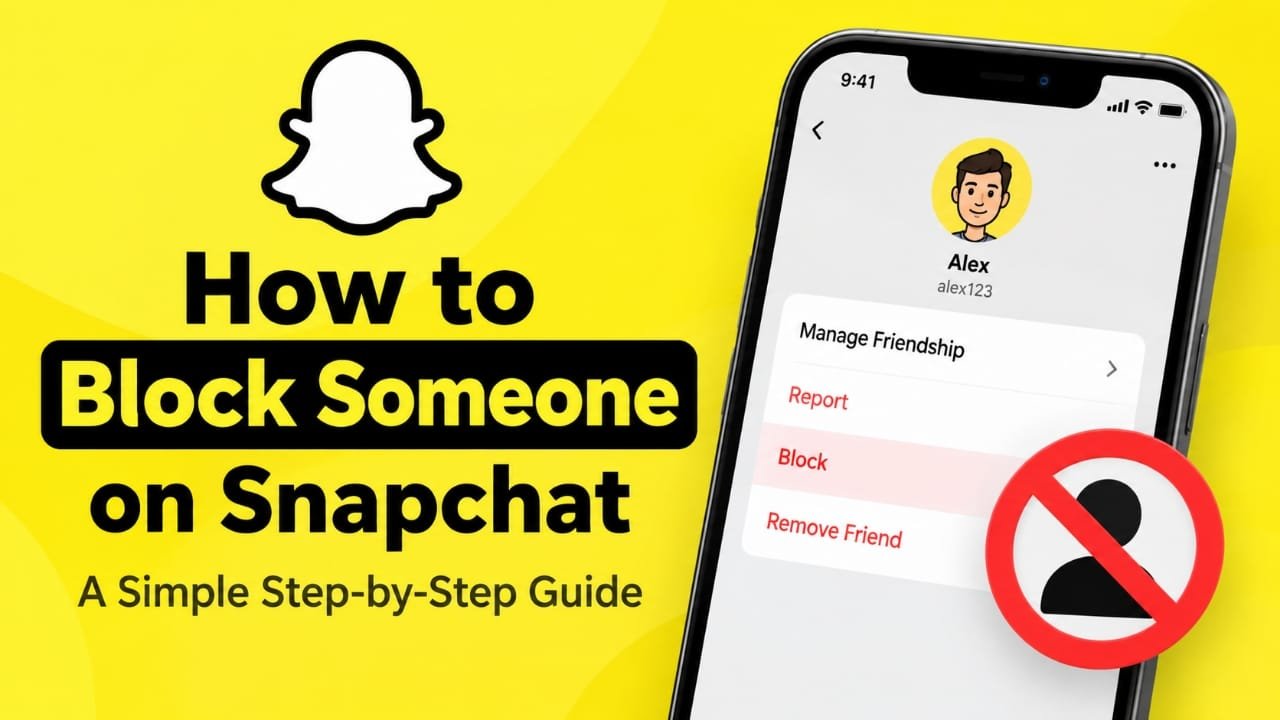
If you no longer want someone to contact you on Snapchat, blocking them can stop unwanted direct interaction. Snapchat lets you block a person from your chat list or their profile, and you can unblock them later if you change your mind.
In this guide, you’ll learn how to block someone on Snapchat, what changes after blocking, how blocking differs from removing a friend, and what happens with group chats and public content.
Also read: How to Hide Your Location on Snapchat Using Ghost Mode
How to Block Someone on Snapchat
There are a couple of straightforward ways to block a Snapchat user. The exact wording or position of some options can vary between app versions.
Method 1: Block Someone From the Chat Screen
- Open the Snapchat app.
- Swipe right from the camera screen to open Chat.
- Find the person you want to block.
- Press and hold their name.
- Tap Manage Friendship.
- Select Block.
- Confirm that you want to block the account.
The person will then be blocked from direct communication with your account.
Method 2: Block Someone From Their Profile
You can also block a person while viewing their profile.
- Open your conversation with the person.
- Tap their profile icon or Bitmoji at the top.
- Tap the three-dot menu.
- Select Manage Friendship.
- Tap Block.
- Confirm the action.
If your Snapchat app shows slightly different menu names, look for the friendship or account-management options associated with that user.
What Happens When You Block Someone on Snapchat?
Blocking changes how the two accounts can interact.
Generally, a blocked person cannot directly contact you through Snaps or private chats. They are also removed from your friends list, and direct access to your account is restricted.
Blocking can also prevent the person from seeing information that was previously available to them as a friend, such as your location on Snap Map.
Snapchat does not send the other person a notification saying that you blocked them. However, they may realize something has changed if they can no longer find or interact with your account.
Can a Blocked Person See Your Public Snapchat Content?
Blocking is mainly designed to stop direct interaction, but public content can work differently from private content.
If you publish content publicly, its visibility can depend on your Snapchat privacy and audience settings. For this reason, blocking someone should not be treated as a guarantee that every piece of publicly available content on Snapchat will be hidden from them.
If privacy is your main concern, review your Story, profile, location, and other audience settings as well.
What Happens If You Block Someone in a Snapchat Group?
Blocking someone does not necessarily remove them from a group chat that you both belong to.
If you remain in the same group, you may still encounter their messages within that group conversation. Blocking is primarily intended to restrict direct interaction between the two accounts.
If the group itself is causing a problem, you can consider leaving the group instead.
Blocking Someone vs. Removing Them as a Friend
Snapchat’s Remove Friend and Block options are not the same.
| Feature | Remove Friend | Block |
|---|---|---|
| Removes them from your friends list | Yes | Yes |
| Stops direct communication | More limited | Yes |
| Prevents direct contact from the account | Not necessarily | Yes |
| Can still allow access to public content | Depending on settings | Public content may still have separate visibility rules |
| Can be reversed later | Yes | Yes |
If you simply don’t want someone on your friends list, removing them may be enough. If you want to prevent direct contact, blocking is the more relevant setting.
What Happens to Your Old Snapchat Chats?
Blocking someone can change how the conversation appears in your chat list.
Messages that were previously saved may be treated differently from unsaved messages, and Snapchat’s behavior can vary depending on the type of conversation and current app features.
Because of this, don’t assume that blocking automatically deletes every previous message or saved item permanently.
If there is something important in a conversation, review it before blocking the person.
How to Unblock Someone on Snapchat
If you later decide that you want to allow the person to interact with you again, you can unblock them.
A typical process is:
- Open Snapchat.
- Tap your profile icon.
- Open Settings.
- Find the section related to Blocked users.
- Locate the person.
- Tap the option to unblock them.
- Confirm your choice if Snapchat asks you to do so.
The exact location of the blocked-users list can change with app updates.
How to Know If Someone Blocked You on Snapchat
Snapchat does not normally send a notification when another user blocks you.
You might notice signs such as:
- You can no longer find the person’s account.
- You cannot send them a direct message.
- Their profile or Stories are no longer available to you.
- Previous ways of interacting with the account no longer work.
However, these signs do not prove that you were blocked. An account may also disappear because it was deleted, deactivated, or affected by privacy changes.
When Should You Block Someone on Snapchat?
Blocking can be useful when you want to stop unwanted direct contact, repeated messages, spam, or other interactions that make you uncomfortable.
If the problem is less serious and you only want to stop being friends with someone, removing them may be sufficient.
You can also review Snapchat’s privacy controls to decide who can contact you, view your content, or access other information associated with your account.
Frequently Asked Questions
Does Snapchat notify someone when you block them?
No direct notification is normally sent to tell the person that you blocked them. They may still figure it out if they can no longer find or contact your account.
Can I unblock someone after blocking them?
Yes. You can find blocked accounts through Snapchat’s settings and unblock a person later.
Does blocking someone remove them as a friend?
Yes. Blocking prevents the normal friend relationship and restricts direct interaction between the two accounts.
Can a blocked person still see my public Stories?
Public content can have different visibility rules from private content. If privacy is important, check your Snapchat audience and Story settings rather than relying only on blocking.
Can I block someone without them knowing?
Snapchat does not normally send a notification when you block someone. However, the person may notice indirectly because they can no longer interact with your account normally.
Does blocking someone delete our entire chat?
Not necessarily. Saved messages and other conversation data may not disappear simply because you blocked the person. Snapchat’s behavior can vary depending on the message and chat settings.
Also read: How to Add Music to Snapchat: Songs, Custom Sounds, and More
Final Thoughts
Blocking someone on Snapchat is a simple way to stop unwanted direct interaction. You can do it from the Chat screen or from the person’s profile, and you can reverse the decision later through your account settings.
If privacy is your main concern, blocking should be combined with the appropriate Snapchat privacy settings, especially for public Stories, profile visibility, and location sharing.

Abhi Rajput, founder of Earnabhi.com, is a tech lover with 6+ years of experience in SEO, digital tools, and smartphone troubleshooting. He writes simple, clear, and useful guides to help people solve real tech problems.