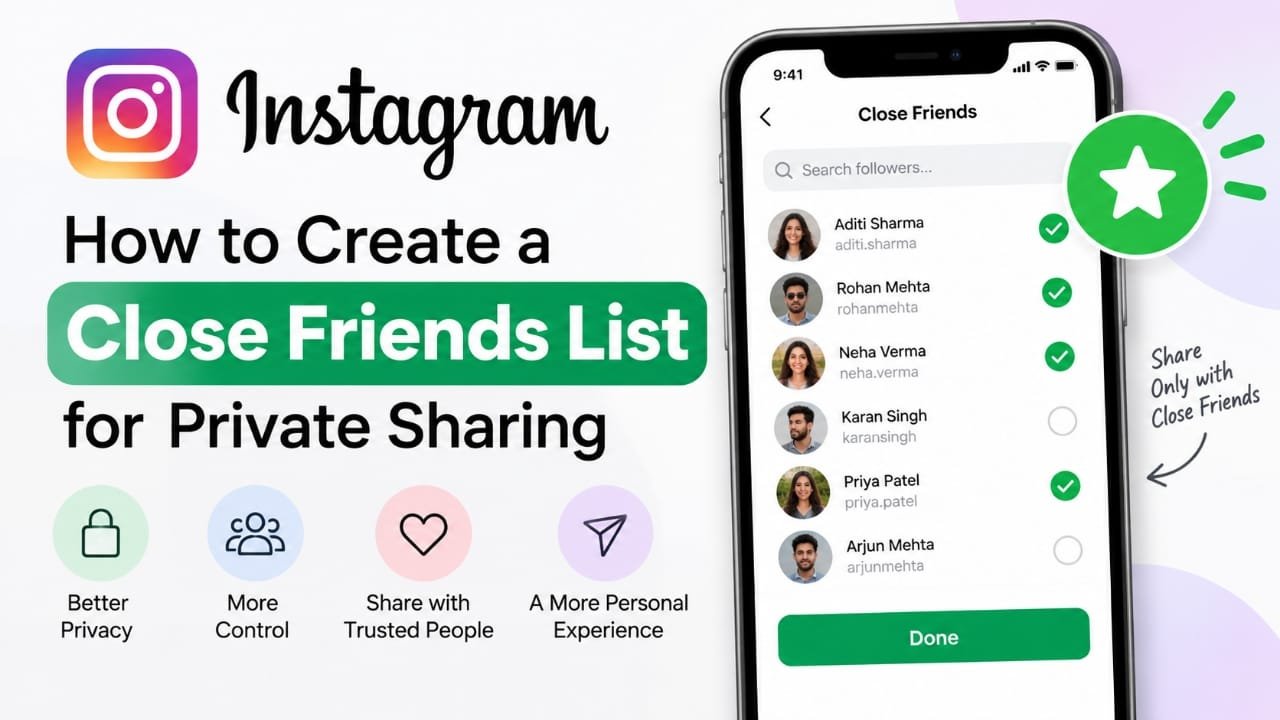
If you want to share Instagram content with only a selected group of people, the Close Friends feature can help. It lets you create a private list of followers and use that list when sharing supported content, instead of showing everything to your entire audience.
This guide explains how to create and manage an Instagram Close Friends list, how private sharing works, and what you should know before using it.
Also read: How to Create an Instagram Broadcast Channel
What Is Instagram Close Friends?
Instagram Close Friends is a feature that lets you choose specific followers for a private sharing list. When you publish content specifically for Close Friends, only people included on that list can access it.
You don’t need to make your entire Instagram account private just to use Close Friends. Your normal profile and other public content can continue working as usual.
The feature is particularly useful when you want to separate personal updates from content intended for your wider Instagram audience.
How to Create a Close Friends List on Instagram
You can create or update your Close Friends list directly from the Instagram app.
- Open Instagram on your phone.
- Tap your profile picture in the bottom-right corner.
- Tap the menu icon in the top-right corner.
- Open Settings and privacy.
- Look for Close Friends.
- Instagram will display people you can add to your list.
- Select the followers you want to include.
- Use the search option if you need to find a particular person.
- Tap Done to save the list.
The exact wording or location of some settings can change as Instagram updates its app, so the menu may look slightly different depending on your version.
How to Remove Someone From Close Friends
You can change the list whenever you want.
Open Close Friends from Instagram’s settings, find the person you want to remove, deselect them, and save the changes.
You don’t have to delete or unfollow someone just because you no longer want them in your Close Friends list.
How Close Friends Sharing Works
After creating the list, Instagram can let you choose Close Friends as the audience when sharing supported content.
For example, when creating a Story, you can choose the Close Friends audience instead of sharing it with everyone who can normally see your Stories.
Content shared with Close Friends is limited to the people included in your list. Instagram may also use visual indicators, such as a green ring around a profile picture for Close Friends Stories, to distinguish them from regular Stories.
Does Instagram Notify Someone When You Add Them to Close Friends?
Instagram does not send a notification simply because you add someone to your Close Friends list.
Likewise, removing someone from the list does not normally send them a notification.
However, someone may realize they are included or excluded based on the content they can see. For example, Close Friends Stories have indicators that distinguish them from regular Stories.
Why Use Instagram Close Friends?
Keep Personal Updates More Private
You may not want every follower to see personal photos, thoughts, family updates, or other limited-audience content. A Close Friends list gives you a smaller audience for this type of sharing.
Control Your Audience
Close Friends lets you choose who receives specific content without changing the privacy settings of your entire account.
Share More Comfortably
A smaller audience can make it easier to share casual or personal updates with people you know and trust.
Encourage More Personal Interaction
When content is shared with a limited group, replies and conversations can feel more direct because the audience is smaller.
What Should You Consider Before Adding Someone?
A Close Friends list should contain people you are comfortable sharing private or personal content with.
Before adding someone, consider:
- How well you know the person.
- Whether you trust them with personal information.
- Whether they still need access to your Close Friends content.
- Whether your relationship with them has changed.
- Whether you would be comfortable with them seeing something intended for a smaller audience.
Remember that adding someone to Close Friends does not guarantee that content will remain completely private. A person who can view your content may still be able to share information about it with others.
How to Manage Your Close Friends List
Your Close Friends list doesn’t need to stay the same permanently. Review it occasionally and make changes when necessary.
Review the List Regularly
People you interact with can change over time. Check your list from time to time and remove people who no longer belong there.
Add Only Trusted People
Don’t feel that you need to add everyone who follows you. The purpose of the feature is to create a smaller, selected audience.
Remove People When Necessary
If you no longer want someone to access your Close Friends content, you can remove them from the list without blocking or unfollowing them.
Be Careful With Sensitive Information
Close Friends provides audience control, but it shouldn’t be treated as a guarantee that content cannot leave the selected group. Avoid sharing highly sensitive information simply because the audience is smaller.
Close Friends vs. a Private Instagram Account
These two features serve different purposes.
| Feature | Close Friends | Private Account |
|---|---|---|
| Audience | Selected people | Approved followers |
| Main purpose | Limit specific content | Limit overall account access |
| Existing followers | Can be selectively included | Followers must be approved |
| Public profile activity | Can remain available according to account settings | Account content is generally restricted to approved followers |
| Best suited for | Sharing selected updates with a smaller group | Restricting who can follow and view your account |
You can use Close Friends without switching your entire Instagram account to private.
Common Mistakes to Avoid
Adding too many people: A large list can defeat the purpose of creating a smaller audience.
Forgetting to update the list: Relationships change, so an old Close Friends list may include people you no longer want there.
Assuming Close Friends means completely private: The feature controls who can view the content on Instagram, but you should still consider what could happen after someone sees it.
Sharing sensitive information casually: A limited audience is still an audience. Think carefully before posting anything that could cause problems if it were shared elsewhere.
Frequently Asked Questions
Can I change my Instagram Close Friends list later?
Yes. You can add or remove people from the list whenever you want.
Will someone know if I remove them from Close Friends?
Instagram does not normally send a notification when you remove someone. However, they may notice that they no longer see content that is shared only with Close Friends.
Can I add people who don’t follow me?
Close Friends is designed around your Instagram audience, so the people available to add depend on the accounts and relationships shown by Instagram.
Can I use Close Friends without making my account private?
Yes. Close Friends is an audience-selection feature and does not require you to make your entire Instagram account private.
Is Close Friends completely private?
It limits the Instagram audience for content shared with Close Friends, but it cannot guarantee that viewers won’t discuss, capture, or otherwise share what they see. Avoid treating it as a secure channel for highly sensitive information.
Also read: How to Tag Someone on Instagram Posts: Step-by-Step Guide
Conclusion
Instagram’s Close Friends feature gives you a simple way to share selected content with a smaller group instead of your entire audience. You can create the list, update it whenever your relationships change, and use it when sharing supported content.
For the best results, keep the list limited to people you trust and remember that audience controls are not a substitute for being careful about what you post.

Abhi Rajput, founder of Earnabhi.com, is a tech lover with 6+ years of experience in SEO, digital tools, and smartphone troubleshooting. He writes simple, clear, and useful guides to help people solve real tech problems.